Author: admin

  • Automating Infrastructure with Ansible on OpenShift

    Automating Infrastructure with Ansible on OpenShift

    Automate day-2 operations and infrastructure management with Ansible.

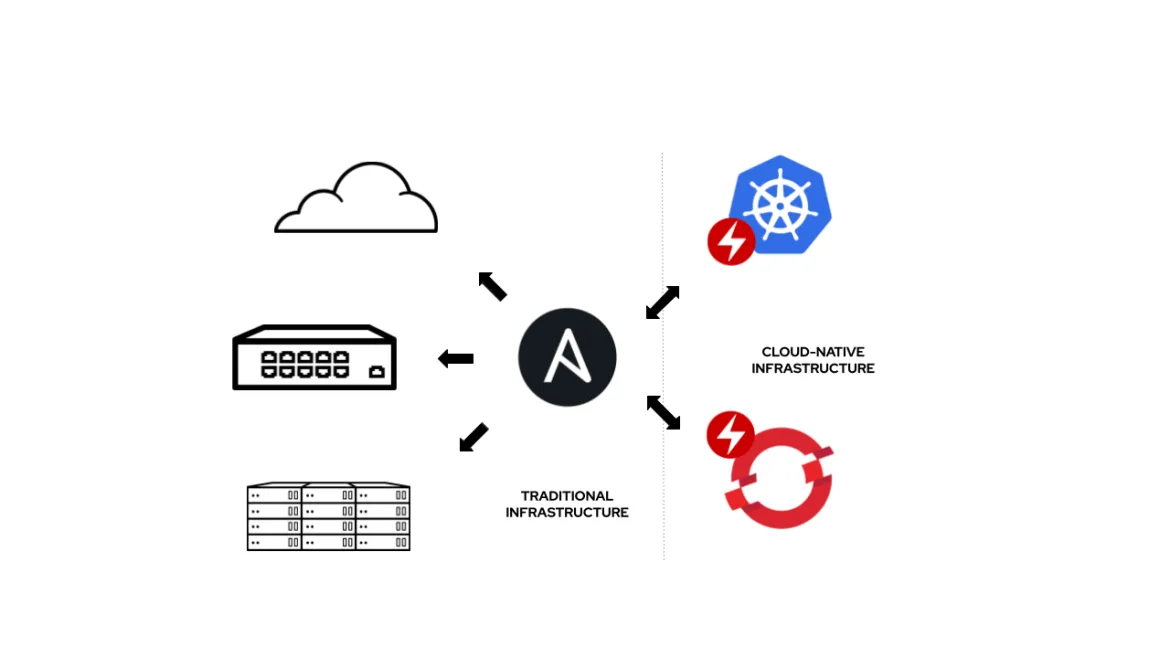
    Managing infrastructure manually can be time-consuming and error-prone, especially as environments grow in complexity. Automation tools like Ansible help streamline operations by allowing you to define infrastructure as code and execute repetitive tasks consistently.

    In this post, you’ll learn how to integrate Ansible with OpenShift to automate deployments, updates, and maintenance tasks. From provisioning resources to managing configurations, automation improves efficiency, reduces human error, and ensures your infrastructure remains consistent across environments.

  • Modernizing VMware Workloads with OpenShift

    Modernizing VMware Workloads with OpenShift

    A practical approach to migrate VMware workloads to OpenShift platforms.

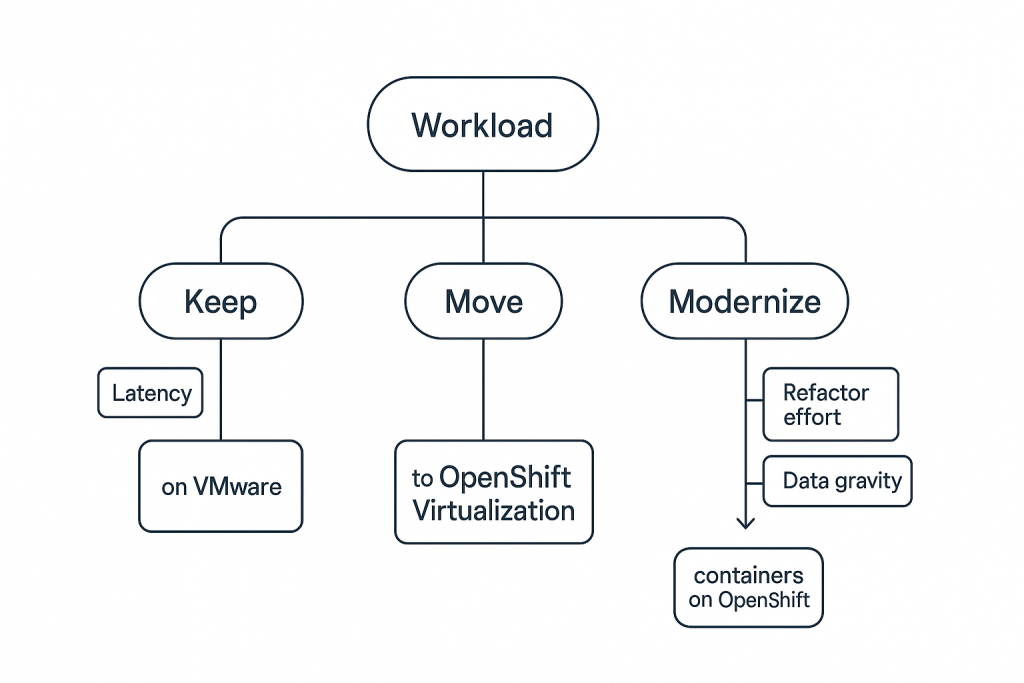
    Many organizations still rely on VMware-based infrastructure, but modern demands require more scalable and flexible environments. Migrating workloads to OpenShift enables businesses to embrace cloud-native technologies while retaining control over their applications and data.

    This article walks through a practical approach to transitioning from VMware to OpenShift. You’ll explore strategies for containerizing applications, handling dependencies, and ensuring minimal downtime during migration. The goal is to help you modernize your infrastructure while maintaining operational continuity.

  • Kubernetes Best Practices for Scalable Applications

    Explore key Kubernetes best practices to build resilient and scalable apps.

    Kubernetes provides incredible flexibility and scalability, but without proper practices, managing applications can quickly become complex. Following best practices ensures your applications remain stable, efficient, and easy to maintain as they grow. From resource management to deployment strategies, every decision impacts performance and reliability.

    This post dives into proven techniques such as proper pod sizing, using health checks, implementing rolling updates, and organizing namespaces effectively. By applying these best practices, you can build applications that scale seamlessly while maintaining high availability and performance.

  • Getting Started with OpenShift: A Beginner’s Guide

    Getting Started with OpenShift: A Beginner’s Guide

    Learn how to set up your first OpenShift cluster and deploy your application.

    If you’re new to container platforms, Red Hat OpenShift is a great place to start because it simplifies many of the complex parts of running containers in production. It builds on Kubernetes but adds a more user-friendly interface, built-in developer tools, and automated workflows that make deploying applications much faster and more consistent. Instead of manually configuring infrastructure, OpenShift helps you focus more on writing and shipping your code.

    To get started, you typically create an OpenShift cluster either locally using tools like CodeReady Containers or on a cloud provider. Once your cluster is running, you can log into the OpenShift web console or use the command-line tool oc to interact with it. From there, deploying an application is straightforward—you can import code from a Git repository, choose a runtime (like Node.js, Java, or Python), and OpenShift automatically builds and deploys your application. It also manages scaling, routing, and health checks, so your app stays available even under load. As you explore further, you’ll discover features like pipelines, persistent storage, and monitoring tools that make OpenShift powerful for real-world deployments.